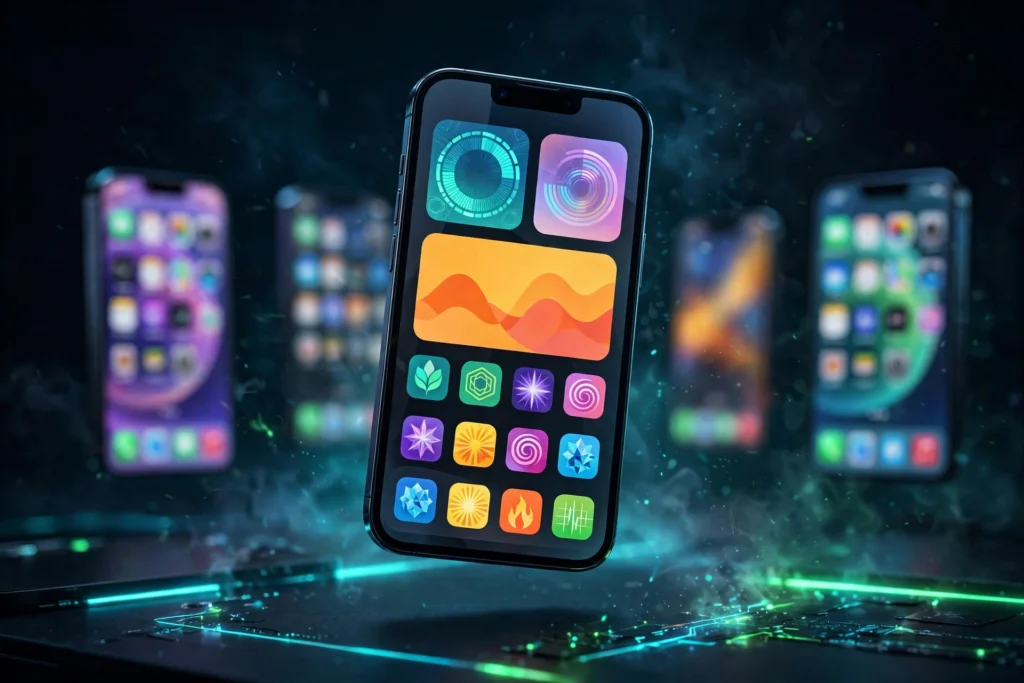
You do not need to jailbreak your iPhone to make it feel like yours. In 2026, a stock iPhone can be customised far more than it could a few years ago, with themed Lock Screens, custom widgets, shortcut-based app icons, Focus modes and a growing set of tools that change the look and behaviour of iOS without touching its security. In short, you can customize iPhone without jailbreaking, and this guide shows you how.
This guide covers what you can genuinely do without a jailbreak, the middle ground of sideloading and SparseRestore-based tools, and what still requires a real jailbreak. It is honest about the limits, because the worst thing a customisation guide can do is promise a system-level change and then hand you a wallpaper.
If you are still deciding whether you need a jailbreak at all, start with our Jailbreak Compatibility Checker to see whether one exists for your phone, and our guide to jailbreaking iOS 26 for the current state of play. Many people find that the stock options below are enough, and that is a perfectly good outcome.
What You Can Genuinely Do on a Stock iPhone
Modern iOS is far more flexible than the iOS of five years ago. Apple has steadily added the features people used to jailbreak for, and while it has not added them all, the gap is smaller than it used to be.
Lock Screen and Home Screen styling
Since iOS 16, you can create multiple Lock Screens with different wallpapers, fonts, colours and widgets, and switch between them by holding the Lock Screen. You can link a Lock Screen to a Focus mode, so your phone can show a work Lock Screen during the day and a personal one in the evening. On the Home Screen, you can use large icons, tinted icons, dark icons and widgets in several sizes. None of this needs a jailbreak, and all of it survives an iOS update.
Focus modes
Focus modes are one of the most underused customisation tools on iOS. A Focus can change which Lock Screen and Home Screen pages you see, silence some notifications, allow others, and filter content in apps such as Mail, Calendar and Safari. Set up a Focus for work, sleep, driving, gaming or reading, and your phone will change its behaviour to match what you are doing.
Custom app icons with Shortcuts
Shortcuts lets you create a custom icon for any app, with any image you like. You make a shortcut that opens the app, add it to the Home Screen, and choose a picture and a name for it. The result looks like a themed icon pack, and it is the basis of almost every themed iPhone you see online. There are two honest limits: opening an app through a shortcut can show a brief banner or a slight delay, and the real app icon still exists in the App Library. For most people, that is a fair trade for a themed Home Screen.
Widgets, wallpapers and display tweaks
Widget apps such as Widgetsmith let you build custom widgets for the clock, calendar, photos, weather and more, with your own fonts, colours and images. Live wallpapers, depth-effect wallpapers and photo shuffle wallpapers add more variety. In Settings, the Accessibility and Display sections offer more control than most people use: larger text, bold text, reduced motion, colour filters, button shapes, and a dark appearance that changes the whole system. These are small changes on their own, but together they make a phone feel personal.
The Middle Ground: Sideloading and SparseRestore Tools
Between stock customisation and a full jailbreak there is a middle ground, built on sideloading and on a technique called SparseRestore. These tools are not jailbreaks, and it is important to understand what that means.
Sideloading with AltStore and SideStore
Sideloading means installing apps that are not from the App Store, using your Apple ID to sign them. AltStore and SideStore are the two best-known tools for doing this, and they let you install apps such as emulators and tweaked apps that Apple would not allow in its store. Our full guide, AltStore and SideStore: How to Sideload Apps on iPhone Without a Jailbreak, explains how they work, how the 7-day refresh and 3-app limit work, and how to set them up safely.
Nugget and MisakaX: SparseRestore-based tools
Nugget and MisakaX are tools that use a backup and restore technique, often called SparseRestore, to change certain settings on an iPhone without a jailbreak. They can change things such as the status bar, the lock screen, and some system settings, and enable some features that are normally hidden. Their appeal is obvious, and their risks are real.
First, they are not jailbreaks. They do not give you a package manager, they do not let you install system tweaks, and they do not give you root access. Second, supported iOS versions vary, and a tool that works on one version may not work on the next. Third, misusing them can cause a bootloop, which means your phone gets stuck restarting and may need to be restored. Back up your iPhone before you try any SparseRestore tool, follow only the official instructions, and do not change settings you do not understand.
What Still Requires a Real Jailbreak
For all that stock iOS can do, there are still things it cannot do, and it is important to be honest about them. A real jailbreak gives you system-level access, which means you can change how iOS itself behaves, not just how it looks.
System-level tweaks and theming engines
Theming engines such as SnowBoard can change the icons, fonts and interface of every app at once, including system apps, without the shortcut workaround. System tweaks can change the Control Centre, the status bar, the way notifications are grouped, the way the keyboard behaves, and dozens of other details that Apple does not expose in Settings. No stock method can do that, because stock iOS does not let any app change those parts of the system.
Call recording, system hooks and file access
Some things only work with a hook into the system itself. System-level call recording, advanced automation that runs without opening an app, and deep file-system access are all in this category. Apple has added some of these features in limited form in recent years, such as call recording on newer iPhones in some regions, but a jailbreak still goes further, and in ways Apple does not allow.
That does not mean a jailbreak is the right choice for everyone. It means more control, more features, more risk, and some apps that will refuse to run. For many people, the stock options in this guide are the better balance.
What You Can and Cannot Do Without a Jailbreak
| What you want to do | Without a jailbreak? | How |
|---|---|---|
| Custom Lock Screen and widgets | Yes | Built-in Lock Screen, Widgetsmith |
| Custom app icons | Yes, with limits | Shortcuts, with a small delay |
| Install emulators and sideloaded apps | Yes | AltStore or SideStore |
| Change status bar and hidden settings | Sometimes | Nugget or MisakaX, with risk, backup first |
| System-wide theming with SnowBoard | No | Needs a real jailbreak |
| System tweaks, Control Centre changes | No | Needs a real jailbreak |
| System call recording and deep hooks | No, or very limited | Needs a real jailbreak |
Why Apple Has Absorbed So Many Jailbreak Features
Jailbreaking used to be the only way to get widgets, a customisable Lock Screen, a Control Centre, a dark mode, or a proper multitasking view. Each of those started as a jailbreak tweak, became popular, and was eventually built into iOS by Apple. That is not a coincidence: the jailbreak community has been a testing ground for iPhone features for more than a decade.
That history is also why so much customisation is now possible without a jailbreak. Apple has taken the safest, most popular ideas and made them official, while keeping the system locked down for everything else. The result is a phone that can look very different from the one your friend owns, even though neither of you has jailbroken it.
It also explains why the remaining jailbreak features are the hardest ones. The things Apple has not absorbed are the ones it cannot make safe for every user: deep system changes, hooks into other apps, and changes that would break its security model. Those are still the territory of a real jailbreak, with all the trade-offs that come with it.
A Practical Starting Point
If you want to customise your iPhone without jailbreaking, start with the stock tools. Spend an hour with Lock Screens, Focus modes and widgets, and build a Home Screen you like. If you want more, try Shortcuts icons and a widget app. If you want apps outside the App Store, read our AltStore and SideStore guide before you install anything. Only consider SparseRestore tools if you have a backup, you understand the bootloop risk, and you are on a supported version.
And if, after all that, you still want system-level tweaks, check whether a real jailbreak exists for your phone. That is the honest fork in the road: stock customisation is safe and reversible, a jailbreak is powerful and risky, and the middle ground is a compromise that suits some people and not others.
Frequently Asked Questions
Can I customise my iPhone without jailbreaking it?
Yes. Lock Screens, widgets, Focus modes, Shortcuts icons, wallpapers and Accessibility settings give you a lot of control on a stock iPhone, and sideloading adds more.
Is Nugget a jailbreak?
No. Nugget and MisakaX use a SparseRestore backup technique to change certain settings. They do not give you a package manager, system tweaks or root access, and they carry a bootloop risk if misused.
Do custom Shortcuts icons slow down my iPhone?
Only slightly. Opening an app through a shortcut can add a brief delay or a banner, but it does not slow the phone down in general, and you can always remove the shortcut icons.
Will customising without a jailbreak void my warranty?
No. The stock customisation in this guide uses only built-in iOS features and App Store apps, and it does not void your warranty. Sideloading and SparseRestore tools are different, so read their own risks before you use them.
What is the best way to start?
Start with a Lock Screen and a Focus mode, then add widgets and custom icons. That gives you most of the visual change with none of the risk, and you can decide from there whether you need anything more.